
Blog
Guides, tutorials, and insights to help you master Google Drive automation and streamline your digital organization workflow.
How to Copy a Shared Folder in Google Drive
Drive has no Make a copy button for whole folders, and "Add shortcut" and "Move" don't work the way you want them to. Three ways to make your own copy of a shared folder, and which one is best for you.
Google Drive Folder Structure: Best Practices & Templates
Build a Google Drive folder structure that stays consistent as your business grows, with practical templates, naming conventions, and ways to prevent folder drift.
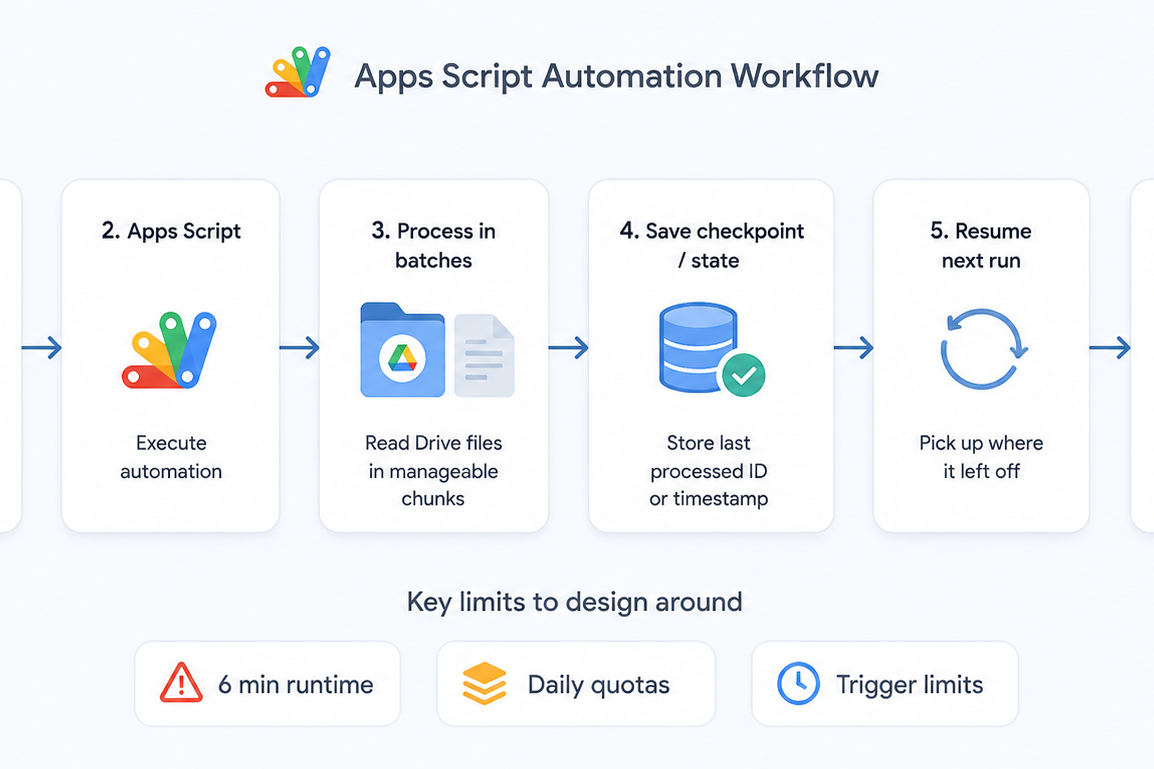
Google Apps Script Quotas & Workarounds (2026): Breaking Limits on Drive Automation
Google Apps Script is a powerful way to automate tasks across Google Workspace and Google Drive, but it comes with strict limits that can trip you up as you build your solutions. This guide introduces the key quotas, limitations, and constraints you should understand before relying on Apps Script for more complex workflows.
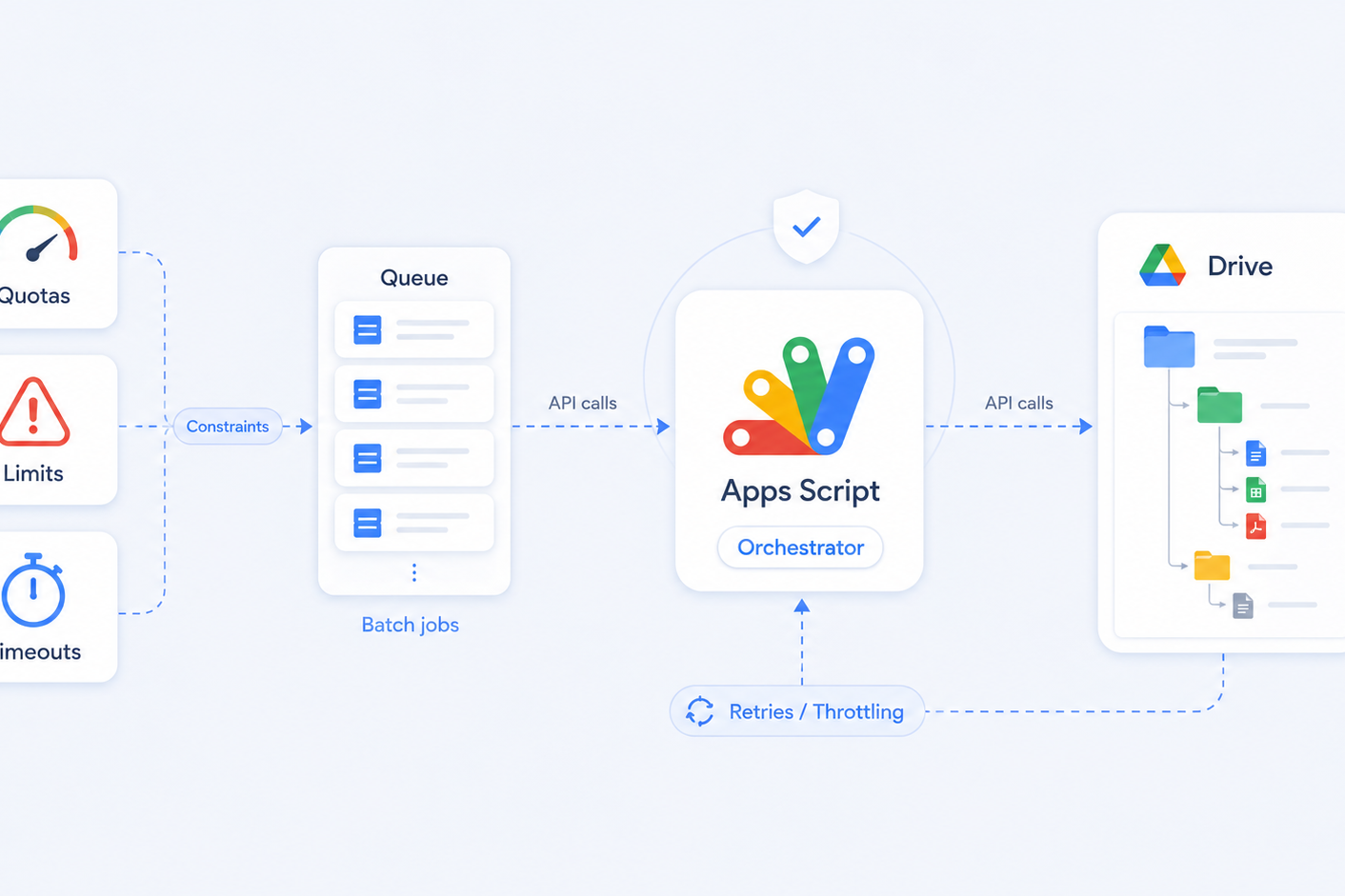
How to Handle Google Drive API Rate Limits for Bulk Folder Copying and Automation
Bulk Google Drive folder copying often fails due to API rate limits, write quotas and Apps Script timeouts. This guide explains the real Drive API limits, common 403 and 429 errors, and how to automate folder and file operations reliably at scale. Or, let FolderPal handle it for you.
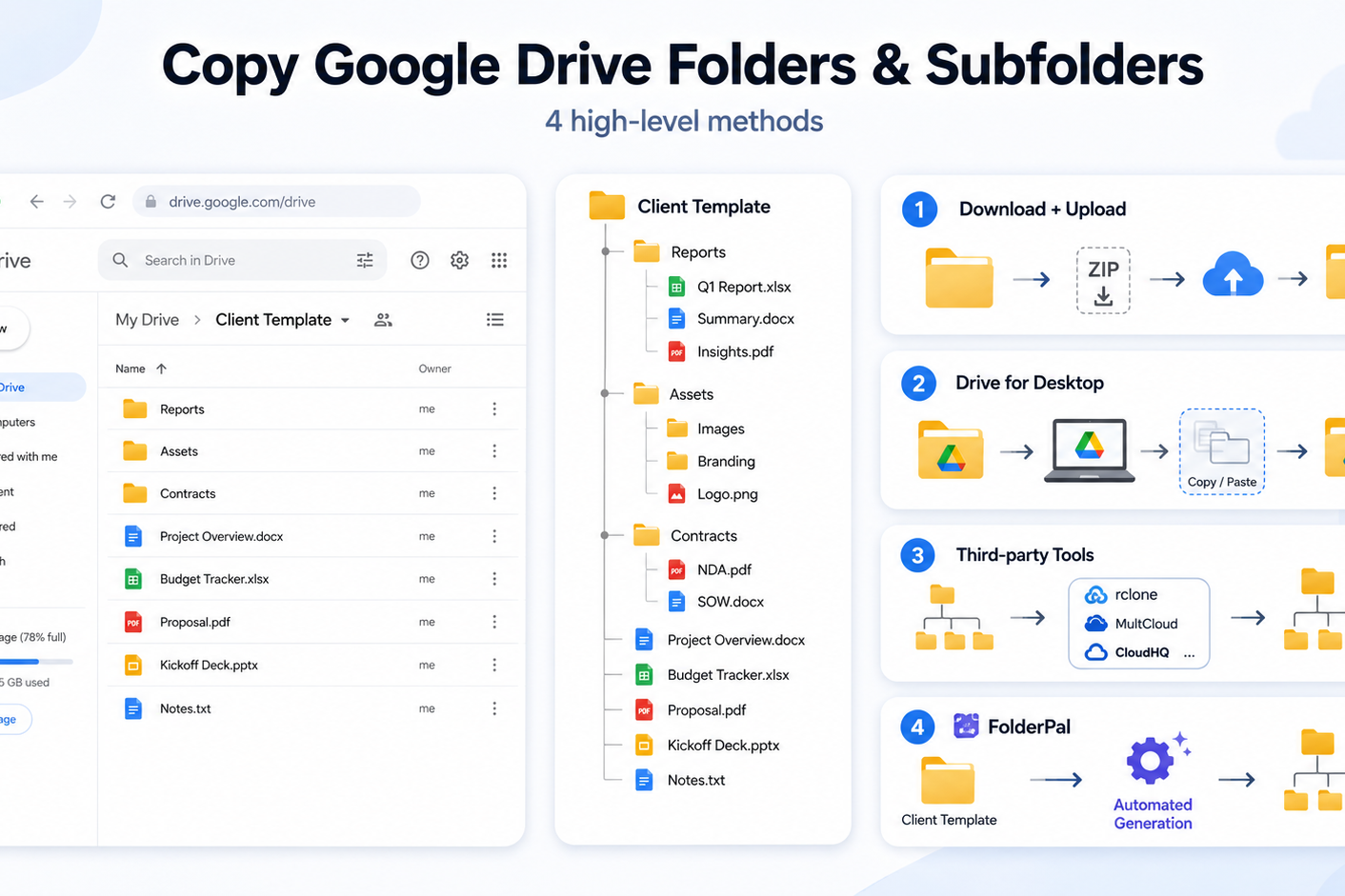
How to Copy a Folder in Google Drive
Copy a Google Drive folder with its subfolders and files. Choose a method based on your folder structure, file types, and whether you’ll need to do it again.
Ready to stop copying folders by hand?
FolderPal turns the workflows in these guides into reusable Google Drive templates you can generate on demand.